
The Modblox platform
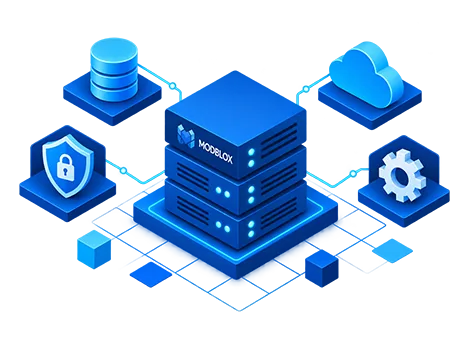
A managed platform on a dedicated virtual server: multi-company ERP reporting, security, and performance in your environment, managed for you.
Company Dashboard
A morning briefing built for each company
Every company gets its own customizable dashboard: a grid of live KPI blocks from the modules you license. Finance and operations leaders open Modblox to the metrics that matter, without clicking through every module first.
Customize mode
Drag-and-drop rows, columns, and blocks. Each company keeps its own layout.
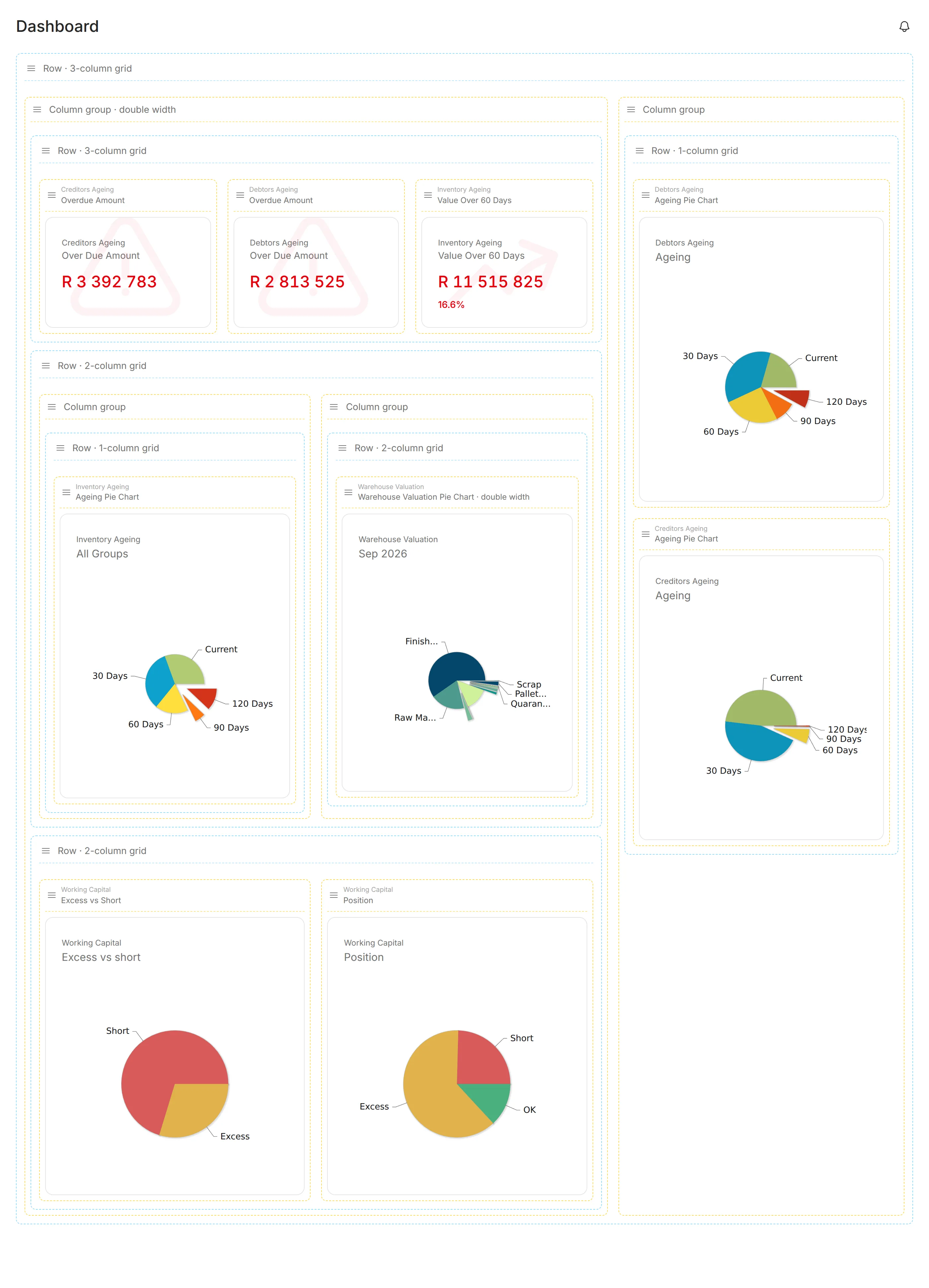
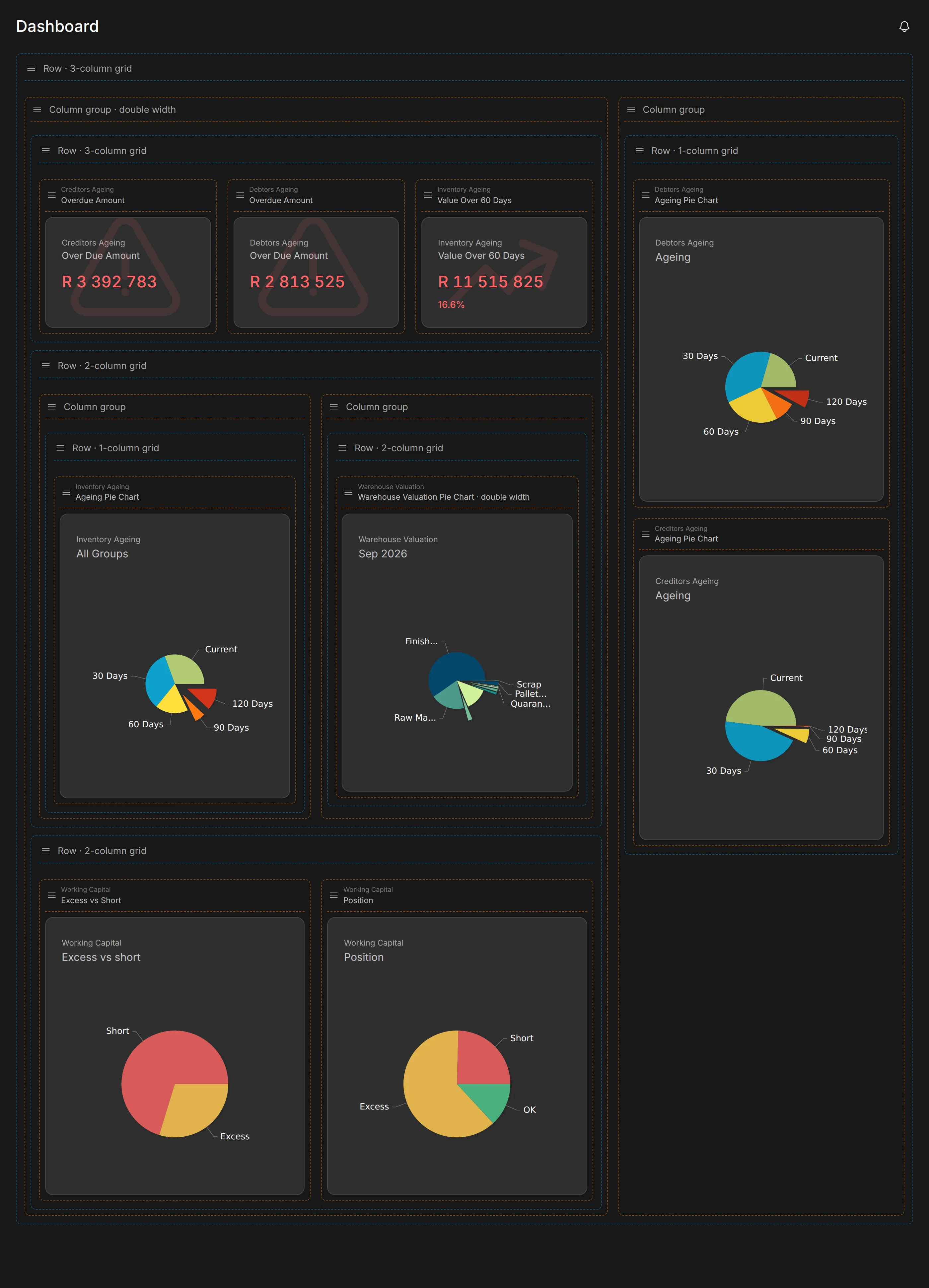
Drag-and-drop layout
Build rows and columns in customize mode. Double-width slots, nested groups, and a separate layout for each company.
Live module blocks
Pin KPIs from your licensed modules: ageing charts, overdue totals, inventory metrics, Working Capital, and more. Live ERP data, per company.
Consolidated groups
Group companies get roll-up blocks automatically. One view across holdings and shared service entities.
Quick to open
Sign in to your layout straight away. Blocks update with live ERP data as they refresh.
Copy layouts between companies
Apply a proven layout from one company to another, then adjust individual blocks where needed.
Drill through to modules
Open the full module report from any block heading.
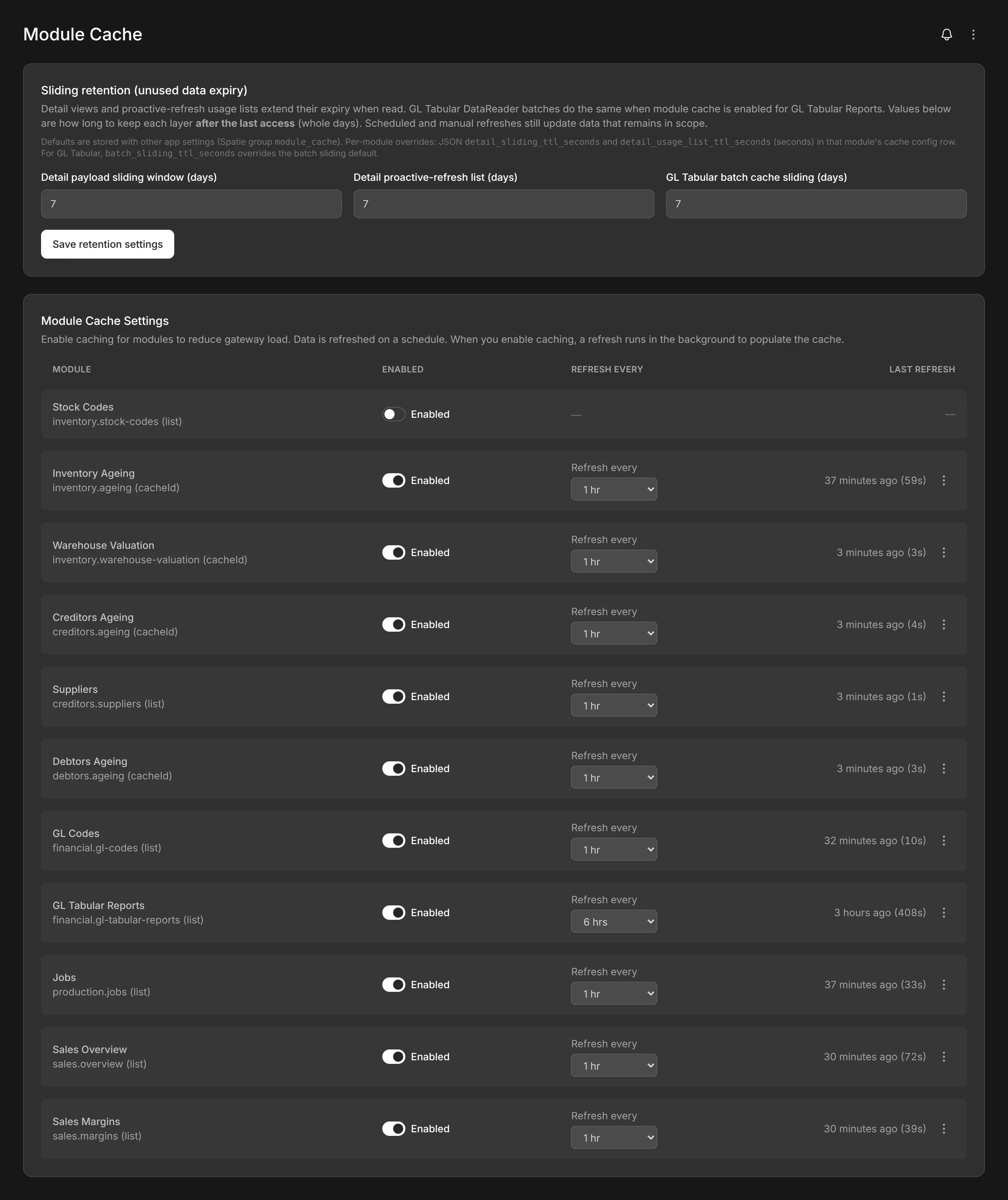
Module Cache
Reports ready when you open them
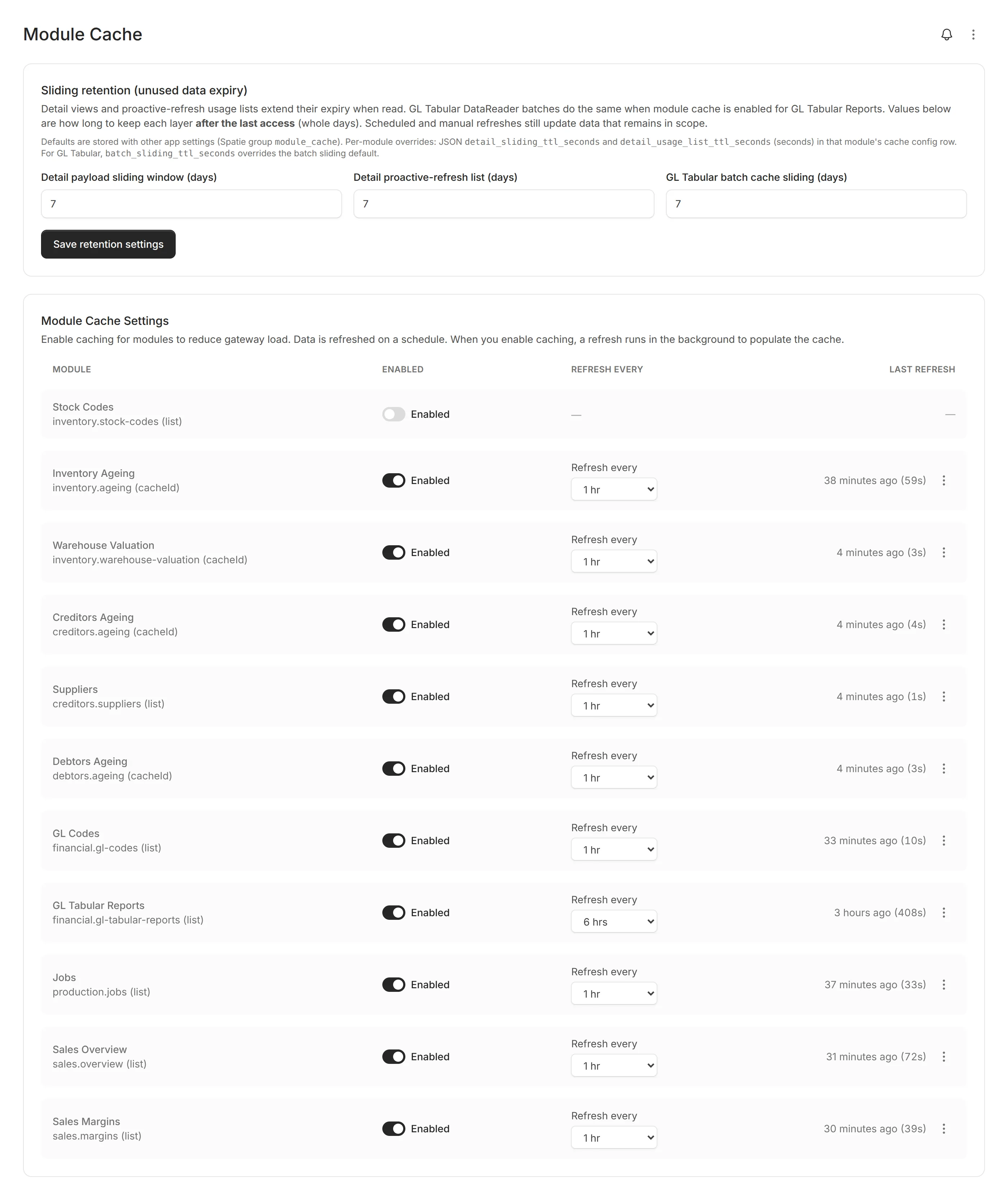
Pre-warm report data on schedules you configure per module. Dashboards and drill-downs open quickly, without waiting on live ERP queries every time.
- Scheduled refresh per module and company
- Manual refresh from any page header
- Run history with timings and error tracking
Module Cache
Configure refresh intervals per module and monitor cache health
Platform capabilities
Managed for you, built for scale
Company Dashboard and Module Cache are covered above. The platform also includes:
Your environment
-
Managed virtual server
Dedicated VM in your infrastructure. We handle updates, monitoring, and maintenance.
-
Remote agent distribution
MSI installs, admin downloads, and push updates. No inbound firewall rules.
-
Backup management
Hyper-V, SQL, and application backups through outbound agents. Schedules, retention, and restore.
Scale across the business
-
Multi-company architecture
Unlimited companies, grouped reporting, per-company dashboards, and instant switching.
-
Modular licensing
License the domains you need. Renewal or perpetual models.
Security and compliance
-
Role-based access control
Permissions per module and company. Item-level scoping for GL and customers.
-
Flexible authentication
LDAP, Active Directory, or database auth. Optional two-factor authentication.
-
Activity audit log
Cross-module trail of who did what, when. Detail views for compliance and troubleshooting.
Day-to-day platform
-
Help Center
In-app guides and field references, aligned to the page you are on.
-
Real-time updates
Live status for cache, agents, SQL, backups, and activity across the app.
-
Background exports
Queued Excel and PDF exports with in-app download notifications.
Frequently asked questions
Syspro is supported today with the full Modblox module set. The Data Gateway keeps your live ERP data flowing securely. Talk to us if you run a different ERP.
No. A lightweight connector on your network connects outward to Modblox. You do not need inbound firewall rules for Modblox to reach your ERP.
Module Cache refreshes key reports on a schedule you set, so dashboards open quickly instead of waiting on live ERP queries every time. It is especially useful for busy teams and heavier reports.
Each company gets its own dashboard of live KPI blocks from the modules you license, such as debtors or creditors ageing, inventory metrics, and Working Capital views. Users can rearrange the layout, copy a layout from another company, and click through to the full report. Group companies can show consolidated totals across entities.
Yes. One Modblox installation supports multiple companies, each with its own users, permissions, and dashboard layout. Group companies together when you need consolidated views across the group.
You license by business domain, such as inventory, financial, or sales, and enable only what you need. Renewal and perpetual licensing options are available.
Yes. Users can sign in with their existing Active Directory credentials. Two-factor authentication is available, and Modblox includes tools to manage AD-linked accounts when you need them.
Modblox runs on a dedicated virtual server in your environment, so your data stays on your infrastructure. We manage updates, monitoring, and maintenance for you. The Data Gateway runs beside your ERP to keep data in sync.
The Infrastructure domain covers Windows server and SQL Server monitoring through lightweight agents on your network. Agents connect outward, so you are not opening the firewall inbound. View health, alerts, and key metrics from Modblox.
Yes. The Infrastructure domain includes Hyper-V and SQL Server backup modules managed through the same remote agents. Schedule backups, run restores, and set retention from Modblox. Backups of Modblox itself are also available.